
FIND THE RIGHT FINISH
Hardwood Grade and Character: Approve the Range, Not One Board
A wood-floor grade helps describe appearance, but shoppers often hear it as a simple good-or-bad ranking. If you want a quiet, consistent floor or a character-rich one, define the visible range you accept before judging a sample board.
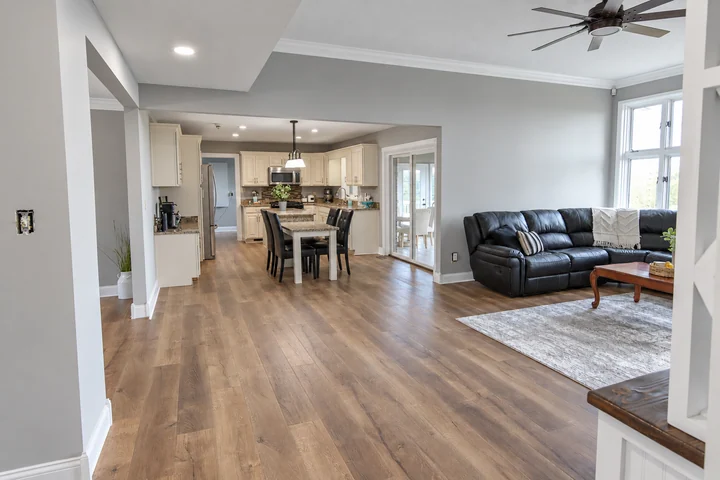
Separate character from construction quality
NWFA explains that wood grades reflect physical characteristics and that grades can be equally strong and serviceable while looking different. The exact grading system and manufacturer's product description still matter. Ask what knots, color changes, filled features and other characteristics are permitted. Do not assume that a word such as rustic has the same precise definition across every brand or collection.
View an assortment large enough to judge
Request photographs or samples showing both the quieter and more characterful boards expected in the product. Lay them beside the cabinetry and furniture you plan to keep. A small display may omit the dark streaks or filled knots that become prominent across a room. Decide whether those features feel intentional to you; the installer cannot reasonably promise a uniform floor from a deliberately varied selection.
Document any special sorting expectation
If you dislike a particular characteristic, discuss it before ordering rather than asking for extensive rejection after delivery. Sorting out a large share can affect quantities and may not be feasible within the product's supplied grade. A more suitable grade or different collection may solve the issue more directly. Preserve the approved sample range and full product identity so expectations remain clear during delivery inspection and layout.
Before you decide
Can I specify no knots after choosing a character-grade floor?
Only if the supplier and installer explicitly agree on a product and scope capable of meeting that expectation. It is usually better to select the documented appearance range you actually want than to rely on discarding acceptable boards later.
Product guidance
Check the instructions for your exact product before ordering or installation.
NWFA: wood-floor appearance and grades