
FIND THE RIGHT FINISH
Plain, Rift and Quarter-Sawn Hardwood: Compare the Grain Mix
Two oak floors with similar stain colors can look surprisingly different because of their grain. Saw-cut descriptions help explain that difference, but the exact assortment matters. Ask what the order includes rather than choosing from one unusually straight-grained display board.
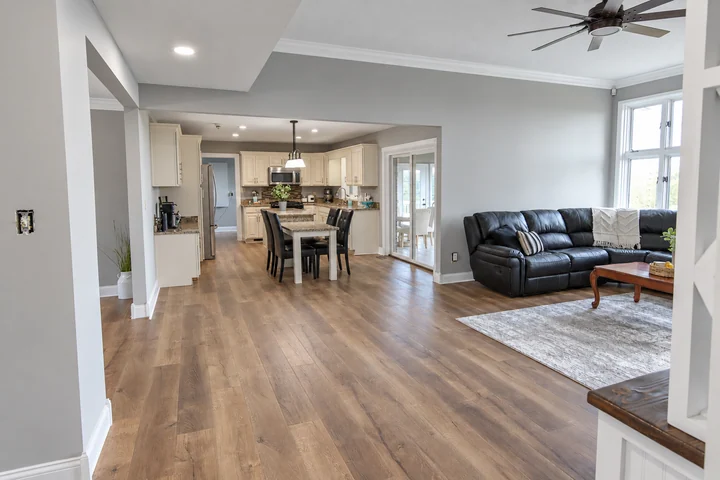
Look for the stated grain assortment
Plain, rift and quarter-sawn descriptions relate to how boards are cut from the log. Their visible grain effects differ, and some products intentionally combine cuts. NWFA's grading guidelines distinguish grain classifications and note that an unspecified or plain-sawn designation can include a mixture. Confirm whether a product promises a particular assortment or merely shows one attractive example in its marketing.
Compare full boards beside your room finishes
Use several long pieces or representative full-floor images to judge the pattern. A straighter grain may reinforce simple cabinet lines, while more varied grain can become a stronger feature. If matching an existing floor, photograph both the broad grain shapes and distinctive markings rather than asking only for the same species and stain. Matching color alone may leave the two areas visibly unrelated.
Keep the performance discussion product-specific
Saw cut is one consideration, not a replacement for reviewing solid versus engineered construction, board width, moisture conditions and installation requirements. Ask the manufacturer what the exact product needs in your home. Do not assume a particular grain label removes seasonal movement or allows unrestricted room use. Save the species, cut description, grade, width and finish together so any substitute can be compared accurately.
Before you decide
Can two products labeled rift and quartered contain the same proportions?
Not necessarily. Ask how the manufacturer defines and supplies the mixture and request a representative sample range. If the proportion is important to your design, obtain written clarification rather than assuming the label guarantees an exact visual balance.
Product guidance
Check the instructions for your exact product before ordering or installation.
NWFA/NOFMA: unfinished flooring grain classifications